
Thincast Remote Desktop Client: Professional RDP Review
Discover how the Thincast Remote Desktop Client simplifies virtual workflows. Read our independent review of this high-performance, free RDP solution.
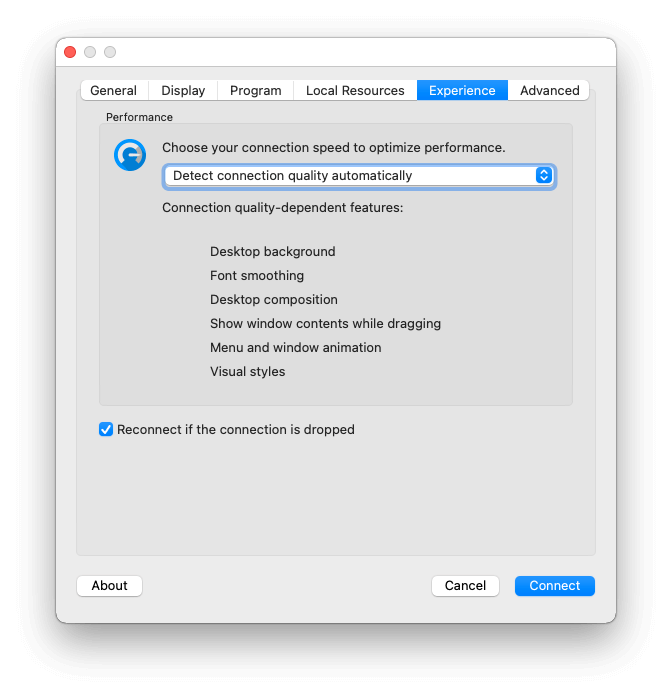
In an era of hybrid workspaces, accessing virtual applications and corporate desktops from remote locations is a daily necessity. However, many users struggle with lag, poor hardware optimization, and battery drain on portable devices. The Thincast Remote Desktop Client addresses these pain points directly, providing a highly optimized, secure, and professional-grade solution for establishing a stable RDP connection on Linux and other major operating systems.
What is the Thincast Remote Desktop Client?
Developed by Thincast Technologies GmbH, this software is a specialized communication and remote access tool designed to connect users to virtual applications and desktop environments over the Remote Desktop Protocol (RDP). As the primary contributor to the renowned FreeRDP project, the development team has integrated deep protocol expertise directly into this client, ensuring maximum compatibility and security.
Key Features and Technical Advantages
This client stands out from generic RDP tools by offering enterprise-level features tailored for modern, on-the-go professionals:
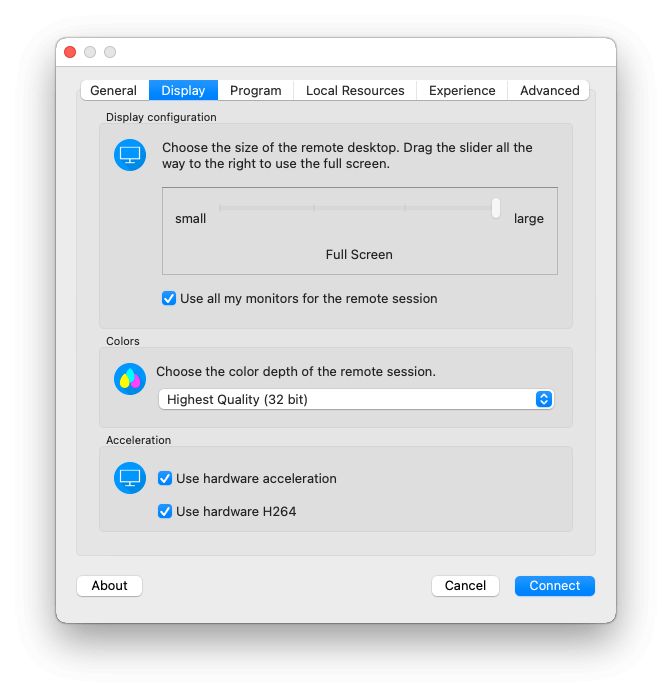
- Hardware-Accelerated Video Decoding: By offloading video processing to your device's GPU, the client significantly extends battery life, making it highly efficient for laptops and portable devices.
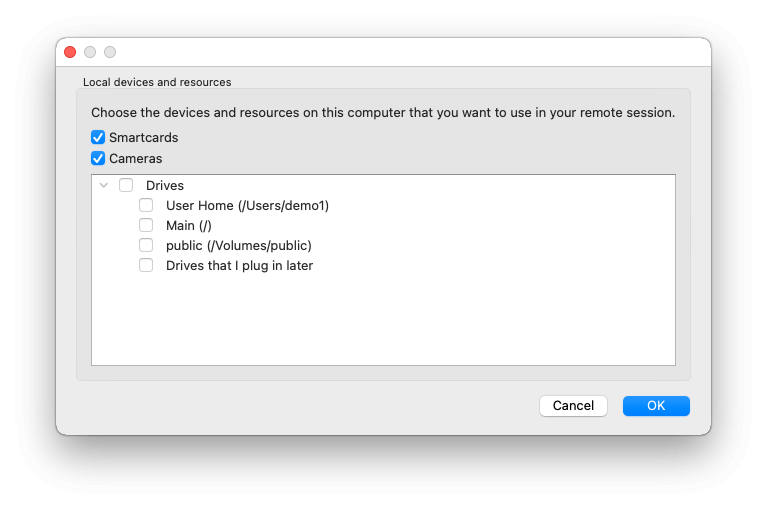
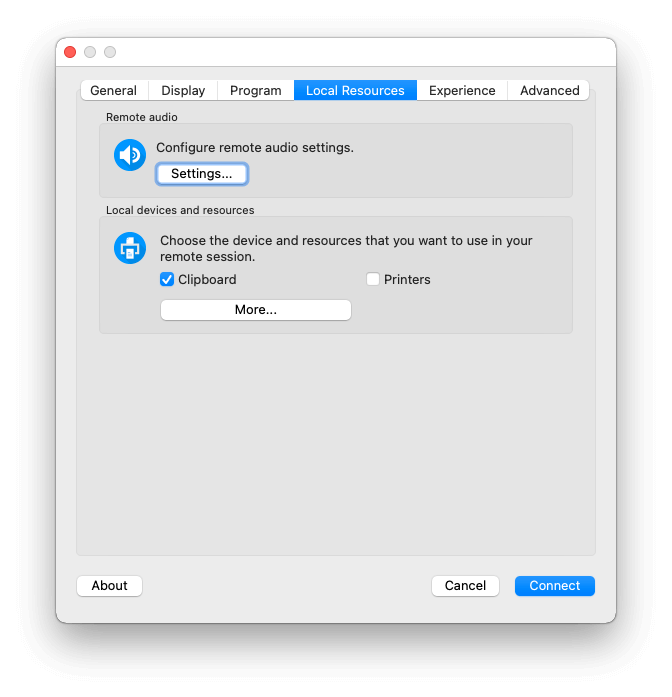
- Webcam Redirection: Seamlessly redirect local webcams to your remote session, enabling smooth video conferencing inside virtual environments.
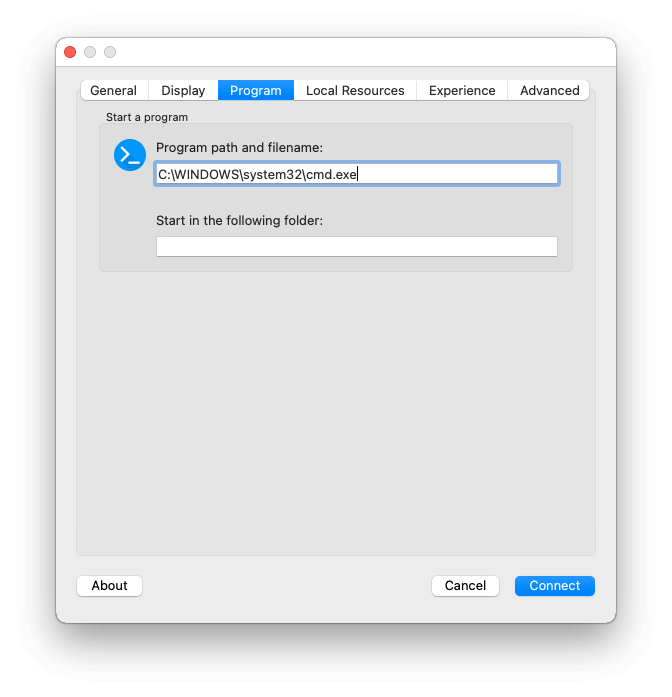
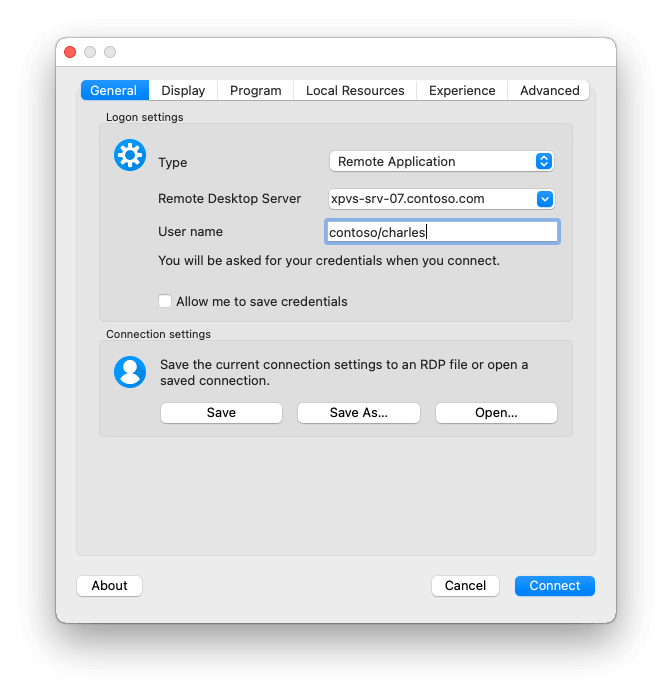
- Remote App Configuration: Access individual virtualized applications directly without needing to load an entire remote desktop background.
- RD WebAccess Integration: Gain simplified web-based access and control over published virtual machines, applications, and desktop sessions when combined with Thincast Workstation.
- Broad Hardware Compatibility: In addition to standard x86 architectures, the client includes native 64-bit ARM support (aarch64), making it compatible with lightweight devices like the Raspberry Pi.
Who is the Thincast Remote Desktop Client For?
This software is highly recommended for system administrators, remote developers, and corporate employees who rely on virtualized infrastructure. Whether you are managing server environments or accessing resource-heavy office applications from a Linux laptop, the client provides the stability and feature set required for uninterrupted productivity.
Our Verdict
The Thincast Remote Desktop Client is an exceptional tool that bridges the gap between local hardware and remote virtual environments. Its combination of hardware acceleration, security updates, and webcam support makes it a premier choice for professionals seeking a dependable RDP client. To explore its capabilities and integrate it into your workflow, visit the official Flathub store page to get started.